- From the ATOM web application, click on the “Log in” icon in the side navigation bar.

- Click “Sign up” and complete the sign-up form.
- Please allow a minimum of 3 business days for your account to be verified. Within that time, you can still browse the archive, save “Areas of Interest”, configure settings, and more, but you will not be able to place orders without verification being completed.
- The EUSI support team will contact you once your account is verified or if any further information is necessary.
Logging In
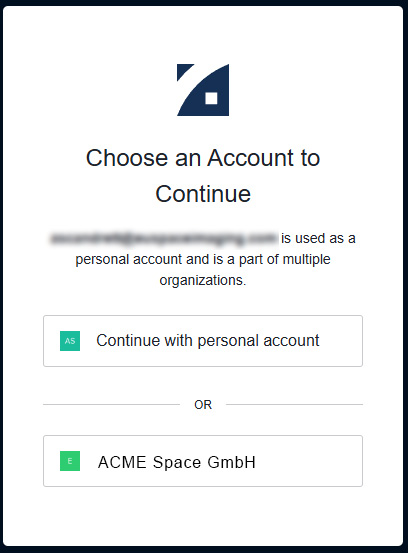
During each login, users who are members of an Organization will be prompted to select if their session will be personal or as part of the organization. To learn more about Organizations, please see the “Organizations and Projects” section of the documentation.